




Managing security at several places can be hard for many businesses. Retail stores and other locations face real-world risks that do not wait until your staff is there. Old security setups take care of local threats but miss things in other areas.
This leads to slow answers and more money spent. A central, remote system can change how you manage this. When you use cloud-based cameras, smart devices, and AI-powered video tools, your security can come together in one dashboard.
You can act before trouble happens and keep every site safe, all day and night, without paying for guards at each door. If you want to see how these smart systems can connect with what you already have, learn more.
Centralized Visibility: Eradicating Multi-Site Blind Spots
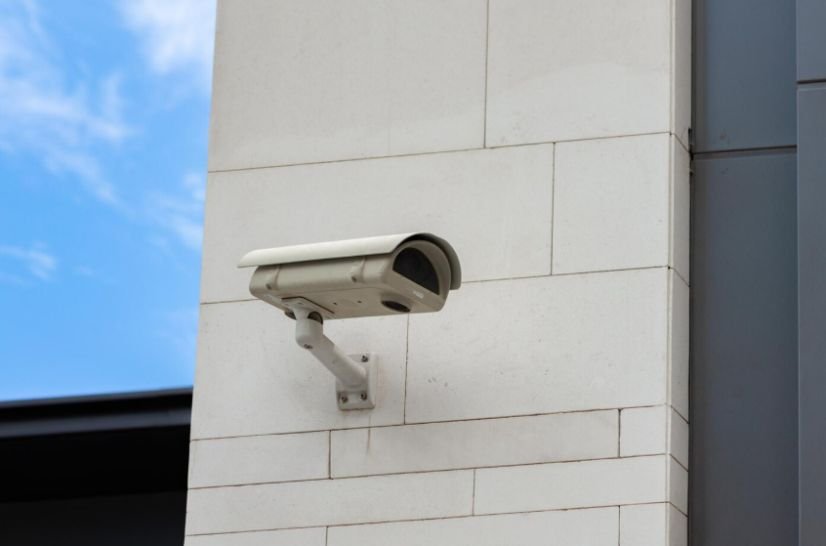
For businesses that work in many places, it is hard to watch every site. Remote monitoring helps by letting you look at everything in one digital spot. You do not have to use old CCTV systems at each branch. The decision-makers can see live, clear video on one safe cloud platform.
Because these platforms may store footage, access logs, and personal information from several locations, businesses should review data privacy laws in the US 2026 update before deciding how security data will be collected, retained, shared, and protected.
This central system makes sure security teams have a full view of everything at once. It does not matter if you handle five locations or fifty. Centralized visibility eliminates the limitations between locations and makes sure that all your policies are consistent at all times.
Proactive Threat Detection with AI-Powered Video Analytics
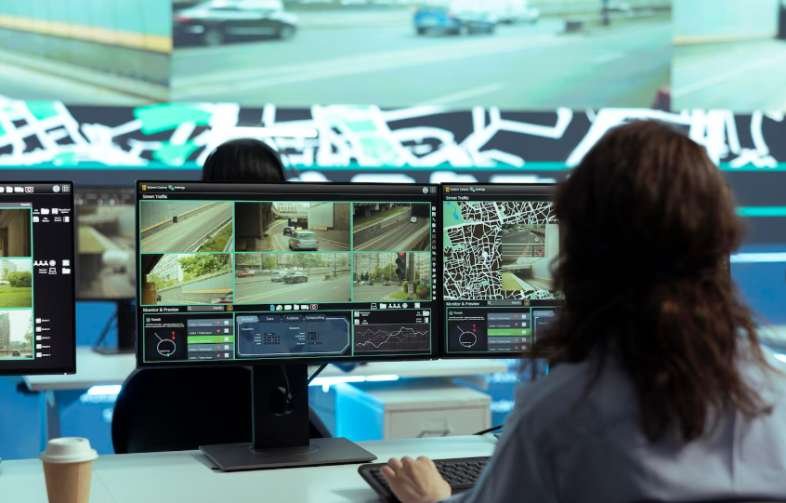
Modern remote monitoring is not just about recording things. It uses smart edge devices and AI to spot unusual things. These systems alert people to getting in without permission, tailgating at the door, or strange actions when it’s late.
Instead of looking through old videos after a break-in happens, automated real-time alerts are sent right away to virtual monitoring centers or local officials. This change helps people act faster and cut down on the time it takes to respond. It also helps make sure less property gets damaged.
Substantial Cost Savings and Operational Efficiency
Having security guards at every location all the time is too expensive for most growing businesses. Remote monitoring provides a good way to save money with virtual patrolling.
A remote security expert can watch many cameras. They can be in different areas at the same time. This helps to lower costs and improve security. Smart systems also help cut down on false alarms. They check for problems with video before calling emergency services. This saves businesses money and keeps them from having to pay city fines.
Seamless Scalability for Growing Business Footprints
As your business grows, your security setup needs to be easy to update. When you open new locations with a usual security system, you have to install servers at the place. You need special devices. The setup at each site has to be different.
Cloud-based remote monitoring gets around these problems. These platforms are part of the broader range of technology tools that simplify life by allowing business owners to manage cameras, alerts, access systems, and multiple locations from one central dashboard.
New IP cameras, entry systems, and IoT sensors can be set up and added to your main management platform in just a few minutes. This way, all your new branches will be as secure as your other sites, quickly, and your normal work will not be disturbed.
Strengthening Multi-Site Protection
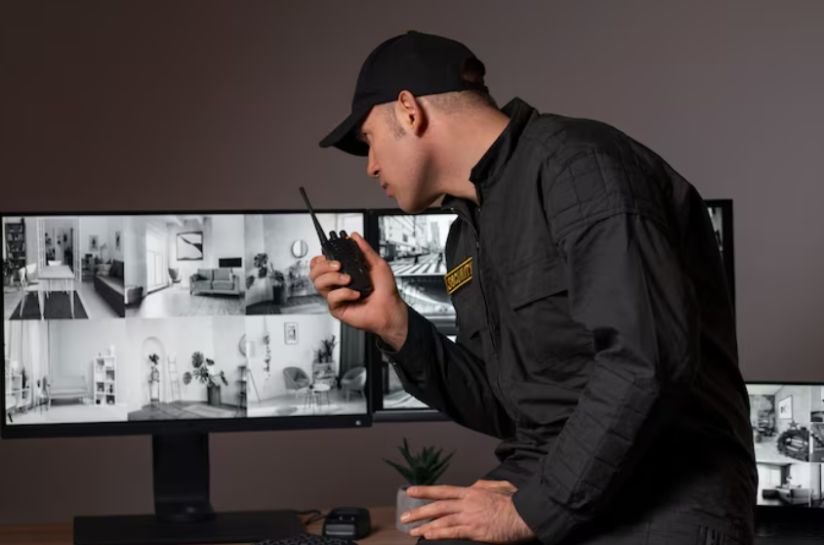
To grow in today’s fast-moving business world, modern companies need to change from separate security systems to joined, remote-first setups. Remote monitoring gives the best mix of good sight, quick reactions, and it saves money too. If you want to improve your company’s safety plan and keep your things safe in an easy way, learn more about custom business security setups today.
FAQs
1. How does remote monitoring prevent false alarms?
Remote monitoring systems use AI to check video. When a sensor goes off, the system looks at the live video. It tries to find out if there is a real threat, like someone breaking in or just an animal. The system checks before telling emergency contacts or calling the police.
2. Can remote monitoring integrate with my existing security cameras?
Yes. Today, many remote monitoring systems can work with any camera. They use adapters that help you use both older and newer cameras. This means a business can keep the cameras it already has, instead of having to buy all new ones.
3. Is remote monitoring secure from cyber threats?
Top remote monitoring providers use end-to-end encryption. They also use multi-factor authentication, called MFA. These companies send out routine firmware updates automatically. They do this to make sure that video feeds and logging remain safe from people trying to break in online.